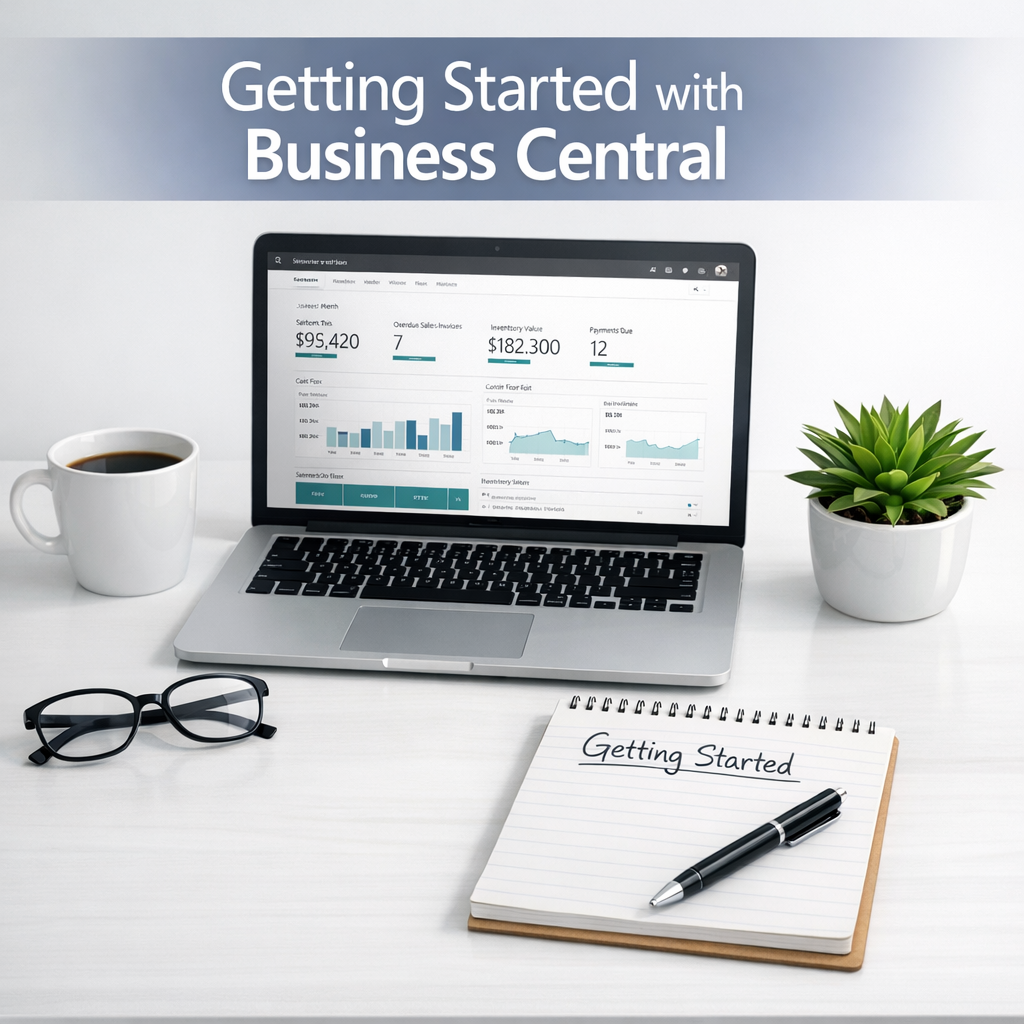
Getting Started with Microsoft Business Central
If you’re new to Microsoft Dynamics 365 Business Central, understanding where to start can feel overwhelming. There’s a lot of functionality, new terminology, and different ways the system can be configured.
To help with this, we’ve created a 7-part “Getting Started with Business Central” video series that walks through the fundamentals in a practical, easy-to-follow way.
This series is designed for UK small and growing businesses that want to learn more about Business Central before committing to an implementation.
Watch the Full Video Series
You can work through the videos in order or jump to the topics most relevant to you.
You can find the playlist here
Making the most of your Business Central Trial – YouTube
The first video on creating the Trial is below
How This Fits into a Fixed-Price Implementation
At Rapid365, we specialise in fixed-price, rapid Business Central implementations for UK SMEs.
This approach allows UK businesses to go live quickly, with confidence and without cost surprises.
What Happens After “Getting Started”
Many businesses use this video series to:
• Create a Trial themselves with Business Central.
• Decide whether the system is the right fit.
• Import their own data.
• Check out the features Business Central has to offer.
Once you’re ready, we support the transition from learning to live system through a clearly defined, fixed-price delivery model.
Learn More About Our Fixed-Price Implementation Approach
If you’re a UK business considering Business Central and want clarity on cost, scope, and timelines, you can learn more about our implementation approach here:
👉 Fixed-Price Business Central Implementation for UK Businesses